
Sequence
Operators skip intermediate passes or tighten in the wrong order, especially under takt pressure.
Arkite connects to smart tools and controls when and where they may run. The next step is released only when the specified torque is confirmed, and each value is stored with the unit.
Last updated
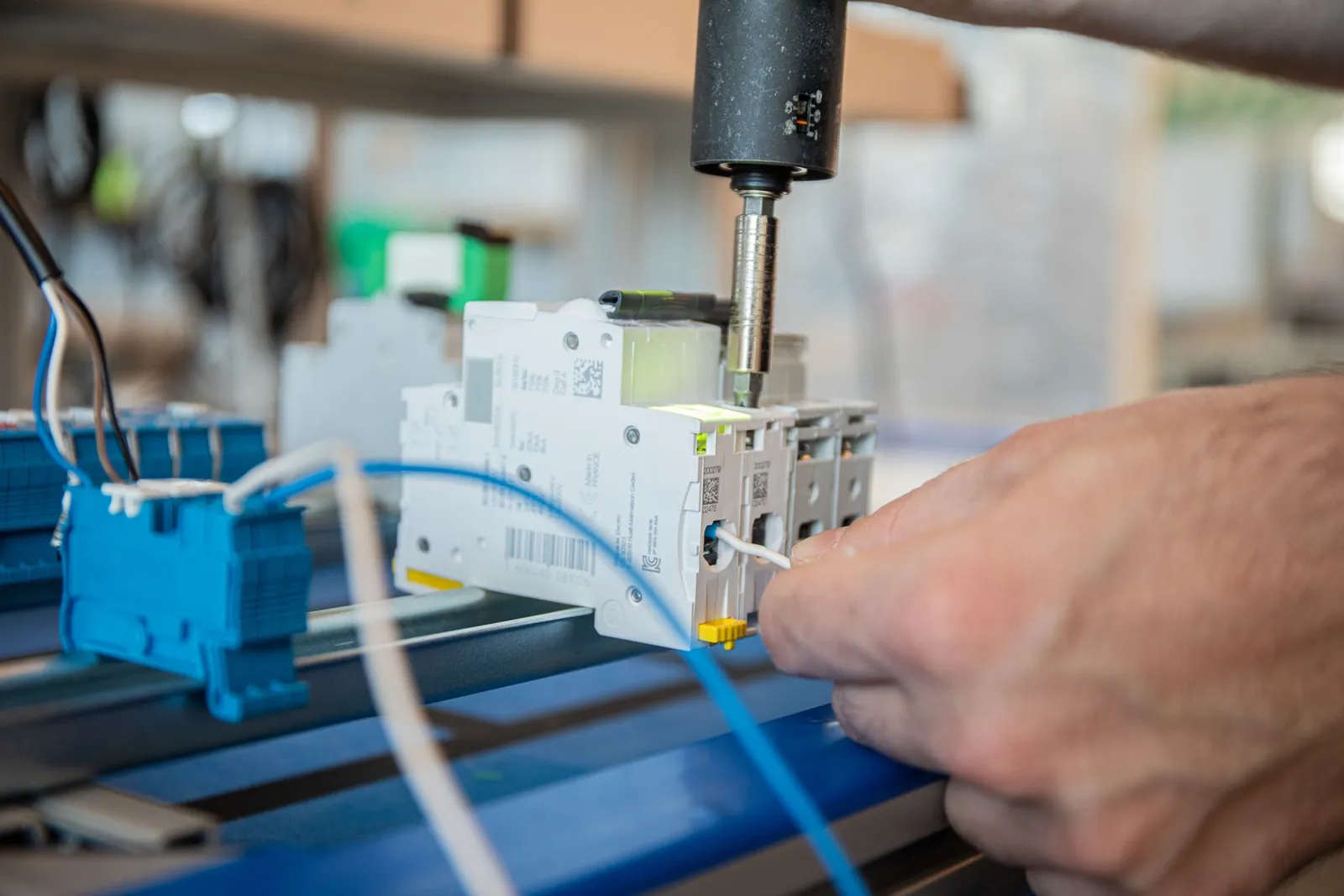
Many assemblies depend on the correct tightening of screws, nuts and bolts. Joints often require a fixed sequence, several torque programs on one product or multiple passes from low to high torque.
A missing screw, a skipped pass or the wrong program is rarely visible on the finished product. It is often only found in the field, where the cost is highest.
Operators skip intermediate passes or tighten in the wrong order, especially under takt pressure.
A tool reports a correct torque, but not whether it was applied to the correct fastener.
Products with several torque values depend on the operator choosing the right program each time.
Smart tools connect over Open Protocol, Ethernet or Modbus. No programming is required to configure the communication module.
The projector marks the next screw or bolt position on the product, following the defined sequence.
Arkite selects the required program or torque automatically and enables the tool only during the correct step. With VALIDATE, it is enabled only at the correct location on the workbench.
The next step is blocked until the specified torque is confirmed. Deviations can follow a defined rework or scrap path.
Nuts and screws are validated by combining the pick from the correct bin, the tool position and the torque result.
| GUIDE | VALIDATE | |
|---|---|---|
| Smart tool integration and automatic program selection | ||
| Tool enabled only during the correct step | ||
| Next step blocked until torque is confirmed | ||
| Tool enabled only at the correct location | – | |
| Tool detection by the 3D sensor | – |
See sequence, location and torque control on a live workstation.
Arkite
Operator guidance platform
Welcome to Arkite.
Looking to guide, validate and inspect manual work? Choose where you would like to start.
Prefer email? info@arkite.comPrivacy
Your privacy choices
We use analytics to understand how the website is used and, with your permission, to measure the results of our campaigns on LinkedIn and Google. Measurement runs through our own server; no tracking scripts from other companies are loaded in your browser. See our privacy notice.