
Guided confirmation
Projected instructions with operator confirmation by touch screen, virtual button, hardware button or foot pedal.
Manual steps are where most variation enters the product. Arkite validates operator actions, inspects the product during assembly and records every step against the order and serial number.
Last updated
We find the defect at end of line, after all the value has been added.
Late detection
Every root cause analysis ends with “operator error”, and nothing changes.
Root cause
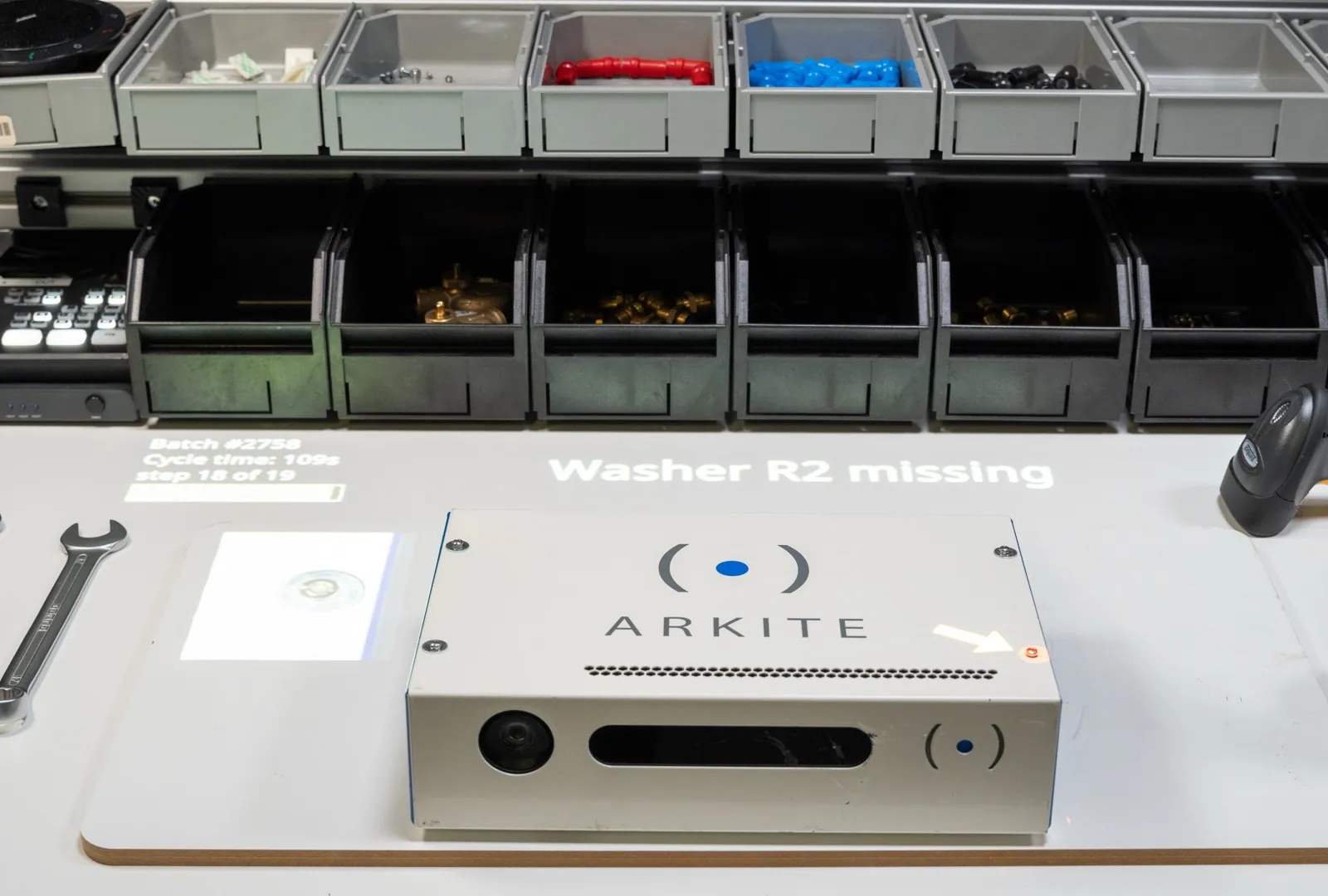
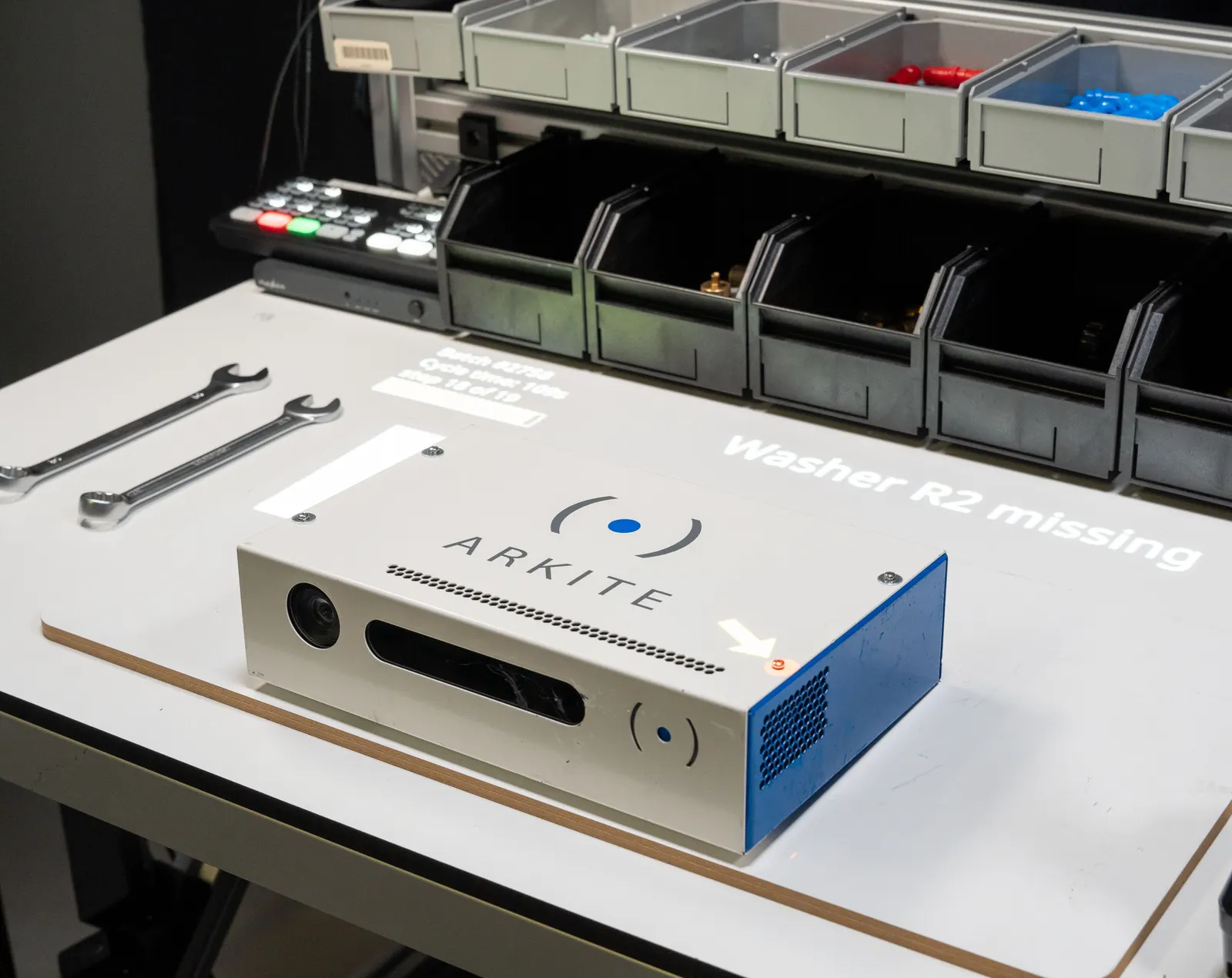
A missing washer is impossible to see once the product is closed.
Hidden defects
When a customer complains, I cannot prove what happened to that unit.
Traceability
 Arkite VALIDATE
 Defects are found at end of line, when rework is most expensive.
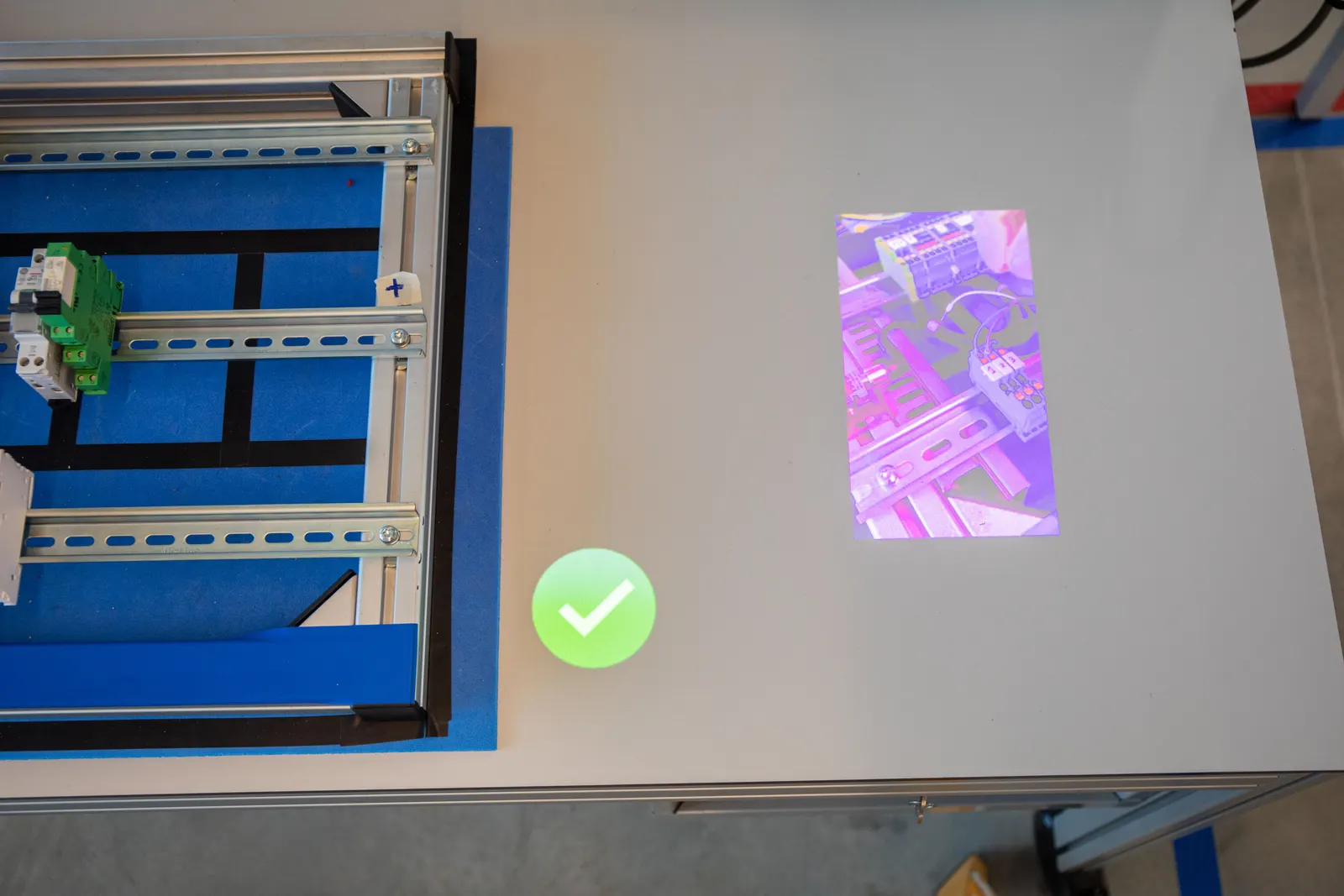
The 3D sensor verifies every pick and assembly action and its sequence. A wrong part or wrong order warns the operator immediately, and the workflow continues only after a correct action.
 Arkite VALIDATE
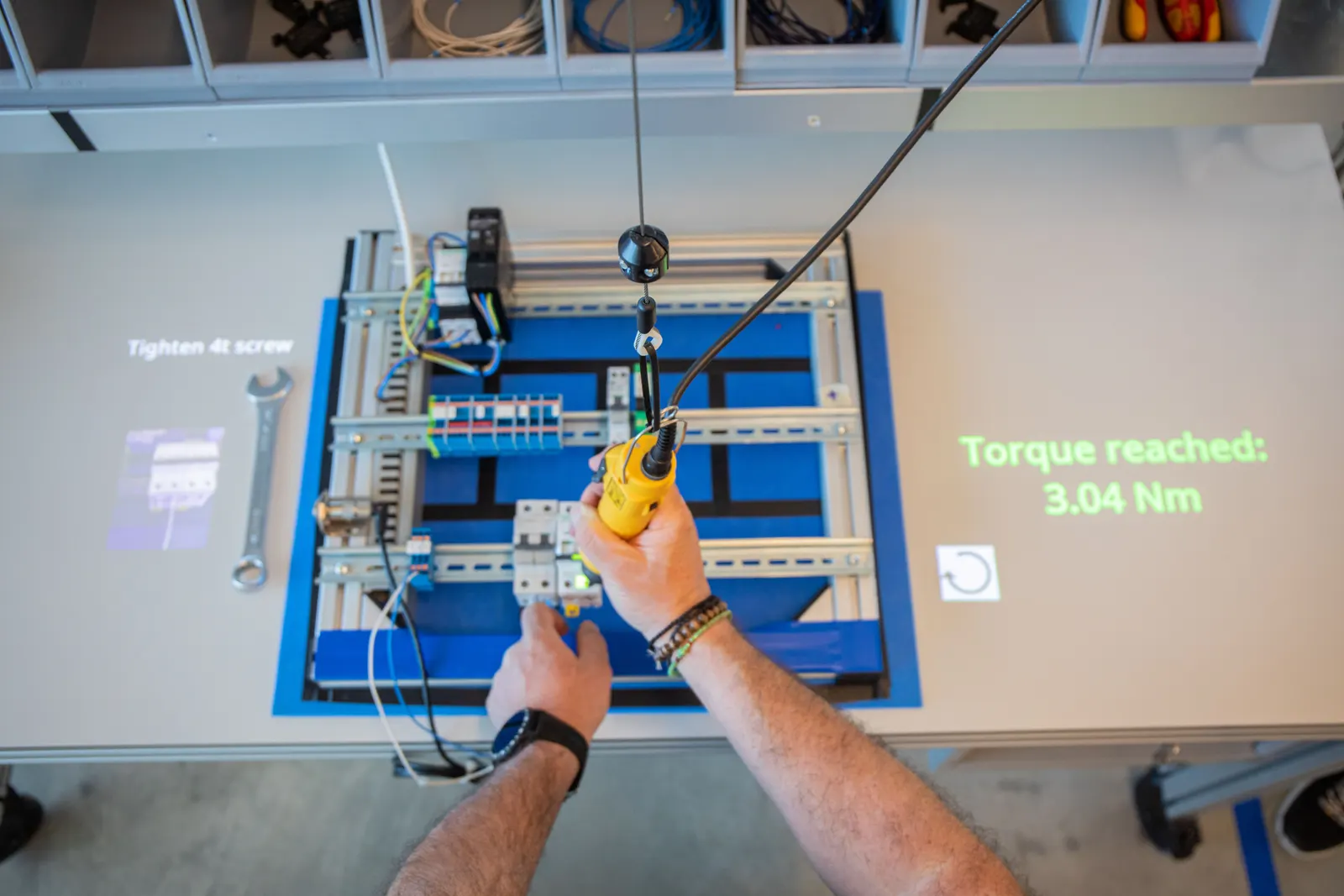
 You cannot be sure every screw was tightened with the right tool, program and torque.
Smart tools connected through Open Protocol, Ethernet or Modbus are enabled only at the correct step and location. Arkite selects the program, blocks the next step until the torque is confirmed and logs the value per unit.
 Arkite VISION
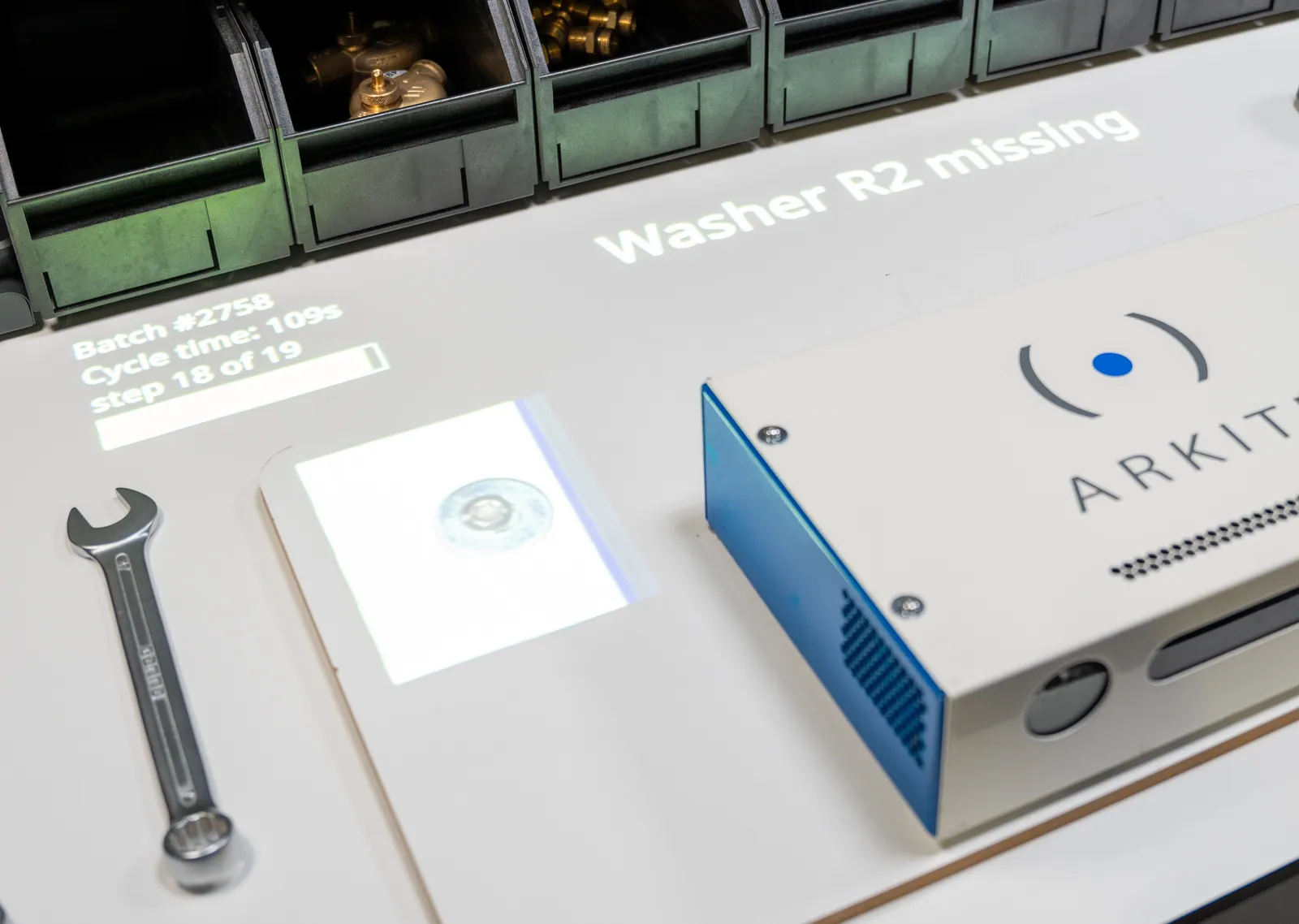
 Small parts, orientation errors and bent cables are hard to see, and invisible once the product is closed.
A vision sensor checks the product before the next step starts: presence of small parts from 0.5 cm, orientation, position with tolerance, and non-rigid shapes such as cables or glue dots. AI detections run locally.
 Arkite DATA
 Audits and complaints require proof that you cannot easily produce.
Every step on a serialized unit is stored with operator, time, validation results and torque values, optionally with product snapshots. Instruction changes are audit-logged with user and timestamp, append-only and protected by a hash chain.
Errors are stopped at the step where they happen.
Corrections happen before value is added on top.
Fewer escapes reach the customer.
More units right the first time.
Every step, check and torque value on record.
Evidence available without searching paper.
The size of each effect depends on your process. It is measured on your own pilot workstation.
Projected instructions with operator confirmation by touch screen, virtual button, hardware button or foot pedal.
The 3D sensor verifies every pick and assembly action and its sequence. The workflow continues after a correct action and warns the operator on an error.
A Vision sensor inspects the product during assembly, before the next step starts. Since software version 2026.2, AI detection algorithms give more robust results and better stability when the sensor shifts slightly. They run locally and are included in the VISION license.
No. Mixed-license environments are supported, so VISION can be used on the stations where presence, orientation or position is critical, and GUIDE or VALIDATE elsewhere.
The workflow does not continue. The operator is shown the deviation on the workbench and follows the rework path defined for that result.
No. The AI detection algorithms of Arkite VISION run locally on the workstation and need no internet connection. They are included in the VISION license and give more robust results when the sensor shifts slightly.
Arkite is deployed in aerospace, defense, automotive, medical device and general manufacturing. Version management with approval, per-unit traceability, audit logging and role-based access support compliance requirements.
We look at where defects originate in your process and which validation depth each station requires.
Arkite
Operator guidance platform
Welcome to Arkite.
Looking to guide, validate and inspect manual work? Choose where you would like to start.
Prefer email? info@arkite.comPrivacy
Your privacy choices
We use analytics to understand how the website is used and, with your permission, to measure the results of our campaigns on LinkedIn and Google. Measurement runs through our own server; no tracking scripts from other companies are loaded in your browser. See our privacy notice.