
Every variant built right, at takt.
On mixed-model lines, the operator decides whether the right part ends up in the right vehicle. Arkite receives the variant from the MES or PLC, guides every step at the workstation and validates it before the unit moves on.
Last updated
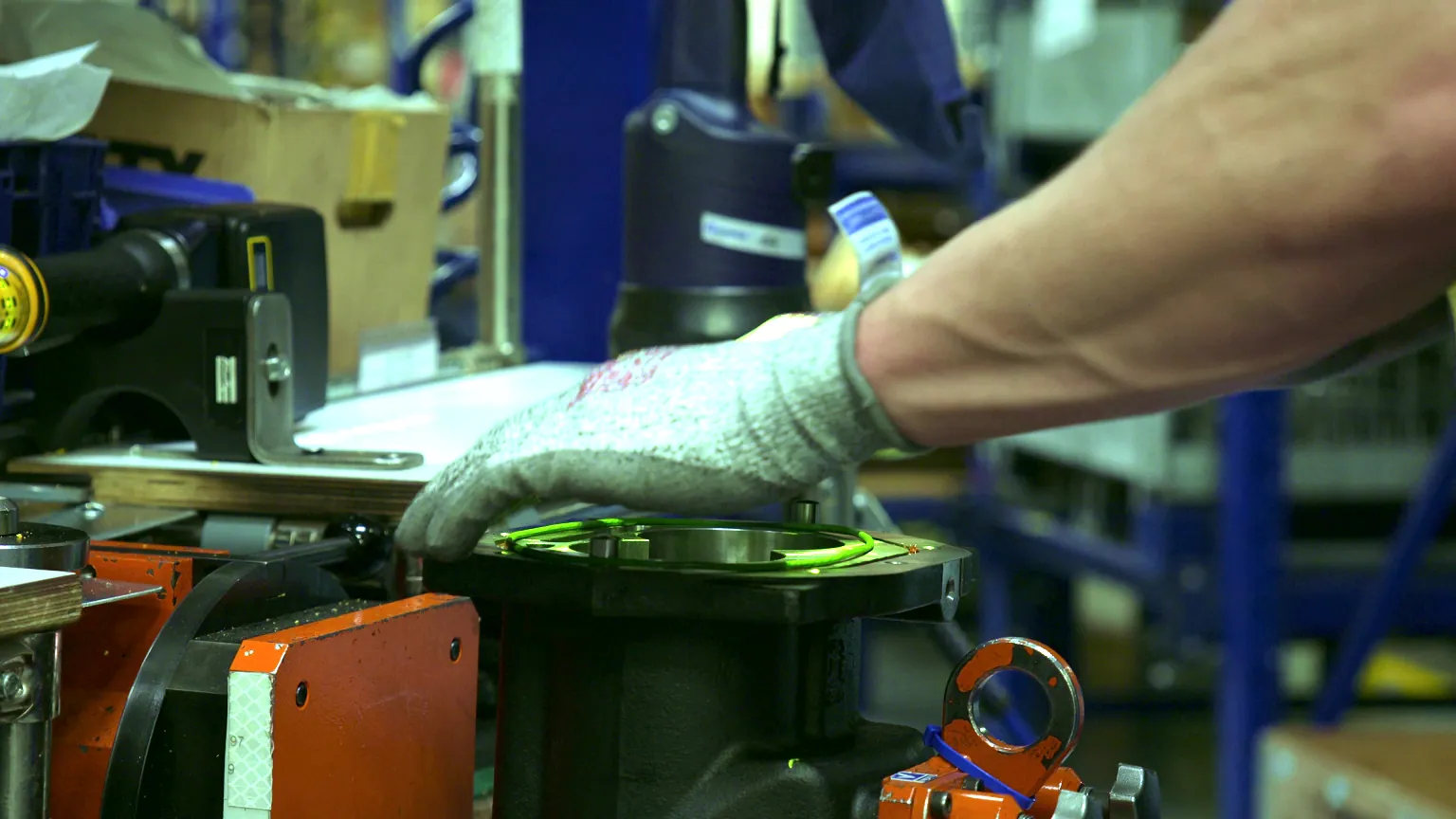
What we hear from automotive plants.
-
Every unit on the line is a different variant, and the operator has seconds to get it right.
Variant explosion
-
A skipped torque stage is invisible once the part is closed.
Safety-critical joints
-
We find missing clips at end of line. Or the customer finds them.
Late error detection
-
Temporary staff, rotation and line launches mean we are always onboarding.
Workforce rotation
What Arkite does for automotive plants.
-
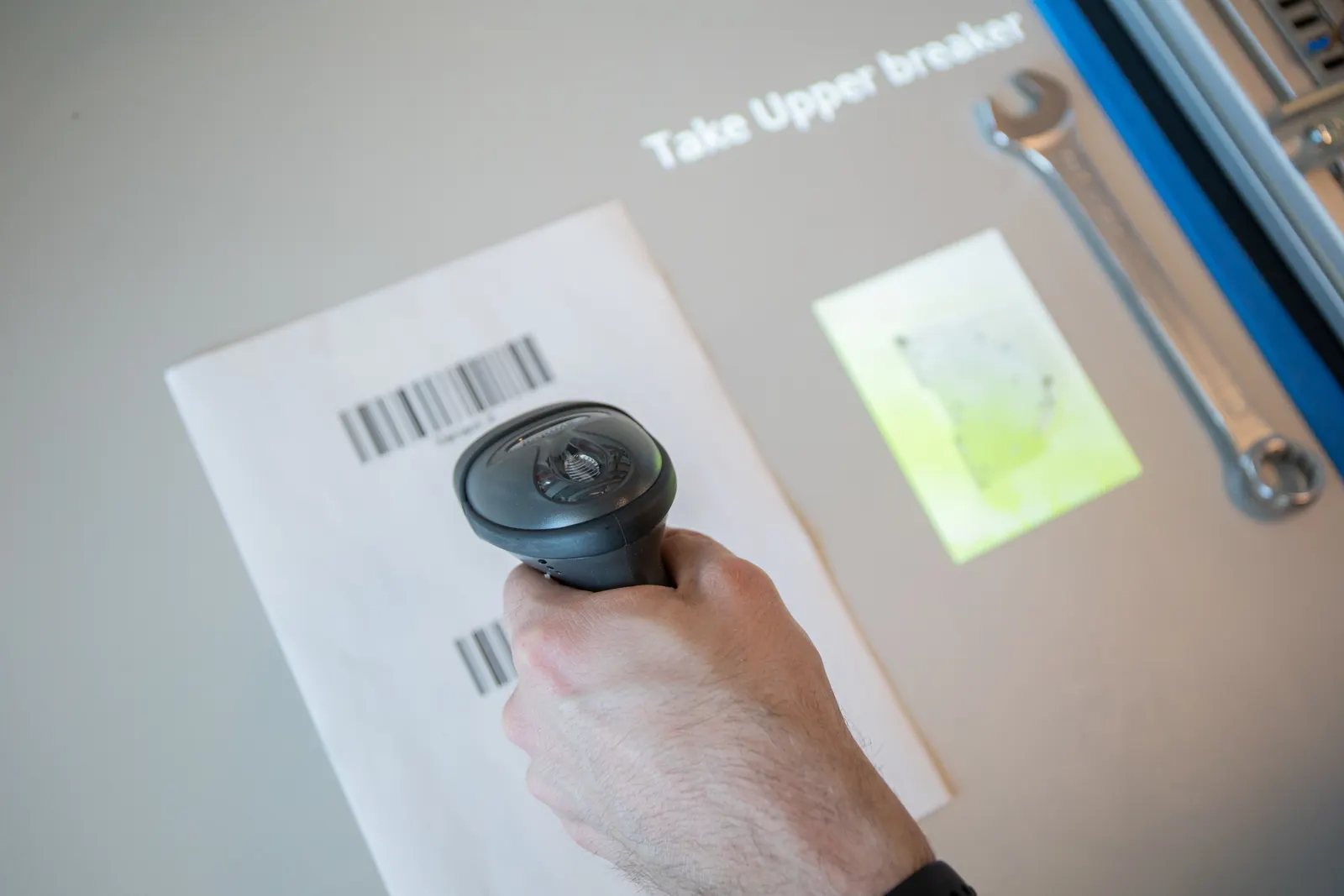 Arkite Platform 01The challenge
Build to order puts a different combination of options on every unit that reaches the station.
How Arkite solves itThe right variant from the MES, automatically
The MES or PLC passes the order or vehicle identification to Arkite through the API, OPC UA, S7 or a barcode scan. The workstation loads the correct job and variant, and variant-specific steps run only when they apply.
- No manual job selection
- Sequenced production supported
- Shared steps defined once for all variants
-
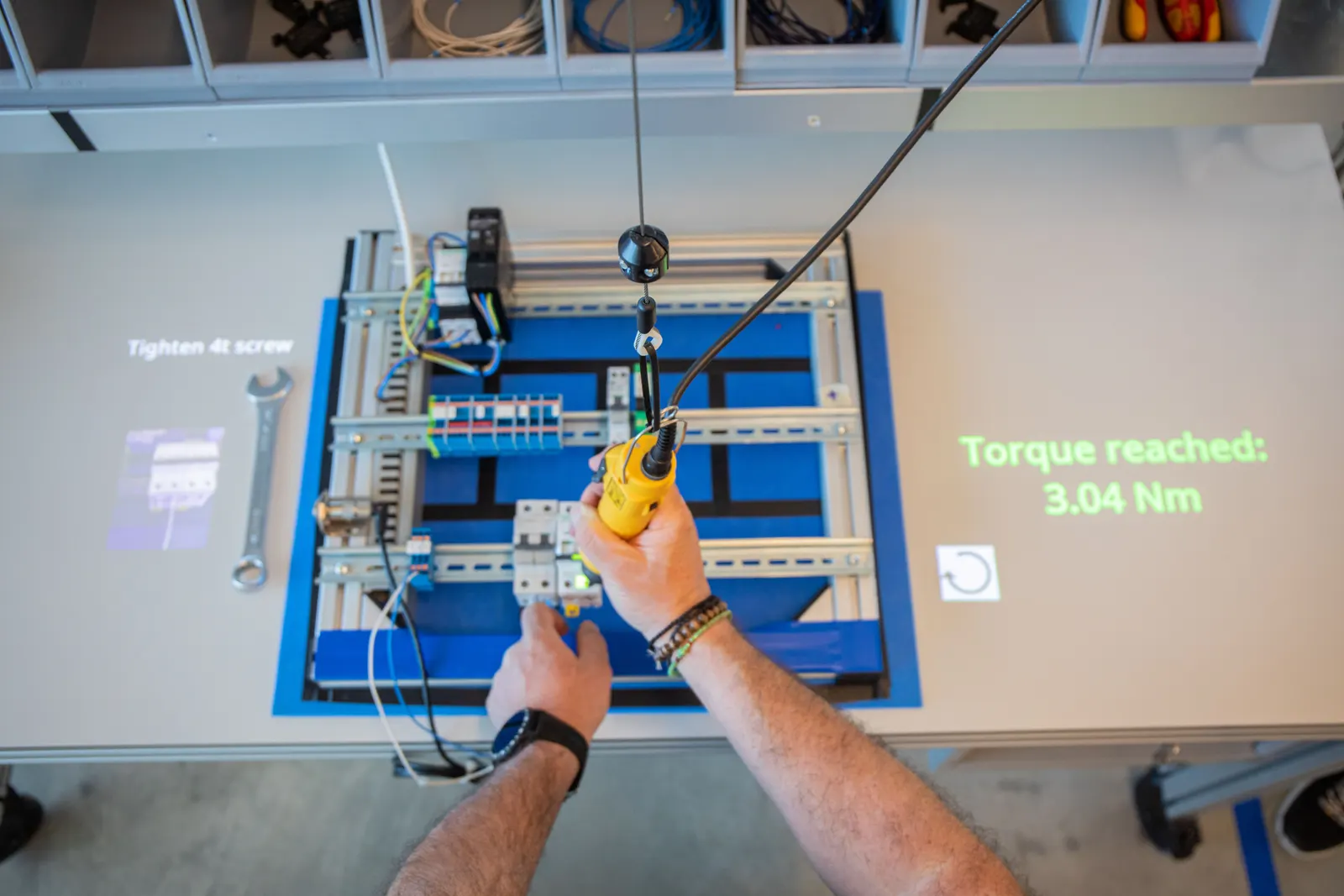 Arkite VALIDATE 02The challenge
Bolted joints need a fixed sequence and several torque stages, and errors cannot be seen afterwards.
How Arkite solves itEvery joint at the right torque, in the right order
Smart tools are enabled only at the correct step and location, with the program selected automatically. Arkite confirms the torque before the next step starts and stores the value per serial number.
- Right tool, program and position
- Torque confirmed before moving on
- Values stored per unit
-
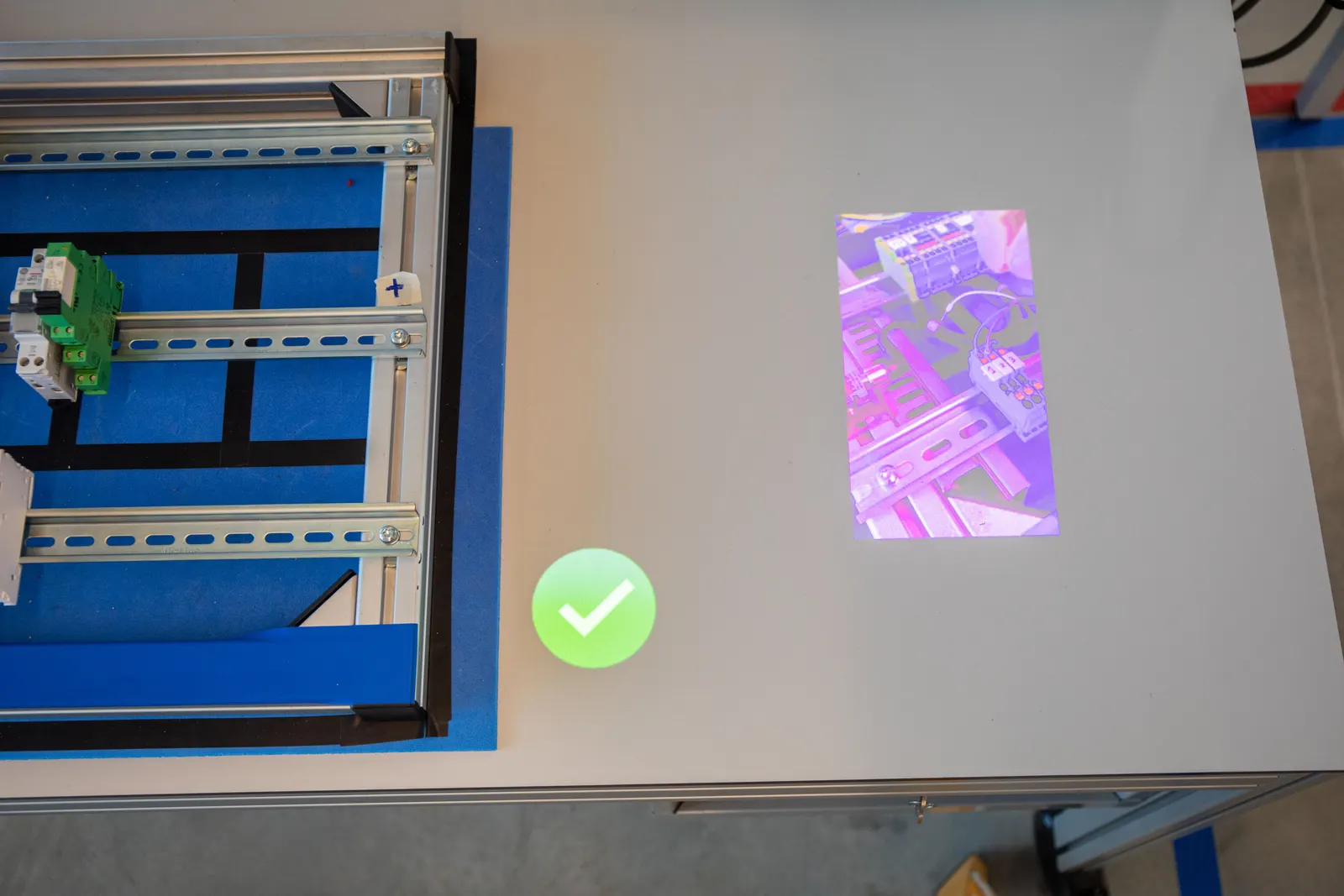 Arkite VALIDATE + VISION 03The challenge
Wrong or missing parts are found at end of line, in rework loops or by the customer.
How Arkite solves itWrong and missing parts stopped at the station
The 3D sensor confirms each pick and placement before the next step. Arkite VISION adds inspection of presence, position and orientation. A PLC interlock can release the product only when every step is complete.
- Errors stopped within the takt
- Product released only when complete
- Less rework at end of line
-
 Arkite GUIDE 04The challenge
New and rotating operators must be productive at takt without a supervisor next to them.
How Arkite solves itNew operators productive at takt
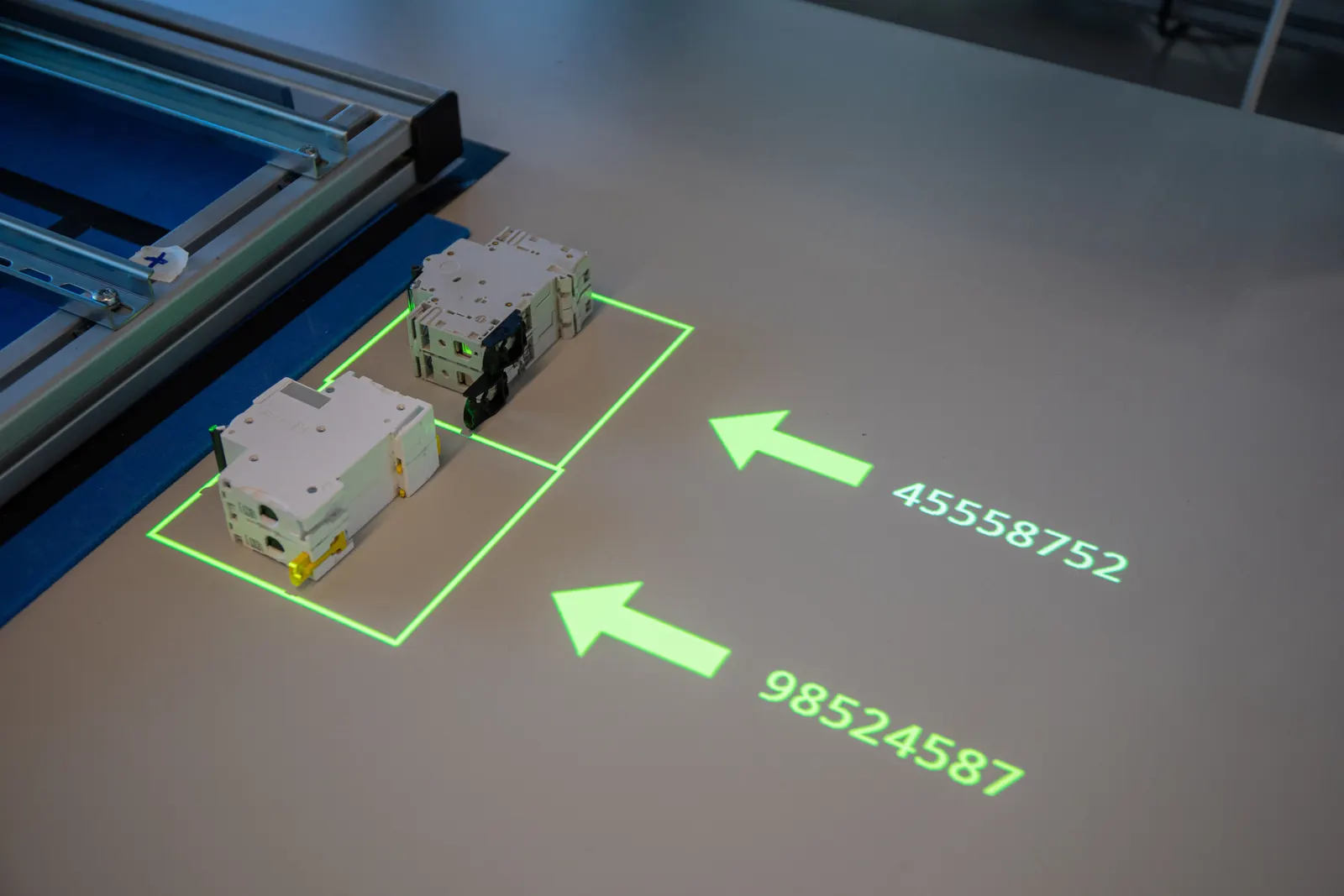
Projected instructions highlight the right bin and the exact placement location. Experience levels give new operators more guidance and experienced operators only what they need.
- Shorter onboarding at the line
- Rotation between stations without retraining
- Instructions in the operator’s language
The topics that matter, and what Arkite does for each.
Arkite does not certify processes or products. It provides the controls and records your quality system relies on.
- Mixed-model assembly
Arkite loads the job per unit from the MES, PLC or a scan, so one station builds every variant with the correct steps.
- Just-in-sequence JIS, sequenced picking and kitting
Pickers are guided by projection or DMX lights, and each pick is validated by the 3D sensor before the kit moves on.
- Poka-yoke Error proofing
A wrong pick, wrong order or missing part warns the operator immediately. The workflow continues only after the correct action.
- Torque traceability
Program selected per step, torque confirmed before moving on, and the value stored per serial number.
- IATF 16949
Controlled instruction versions, error proofing and per-unit records provide evidence for your quality management system.
- Takt time
Cycle times and step durations per unit show which steps put the takt at risk, while the shift runs.
Automotive manufacturers running Arkite.





What Arkite did for them
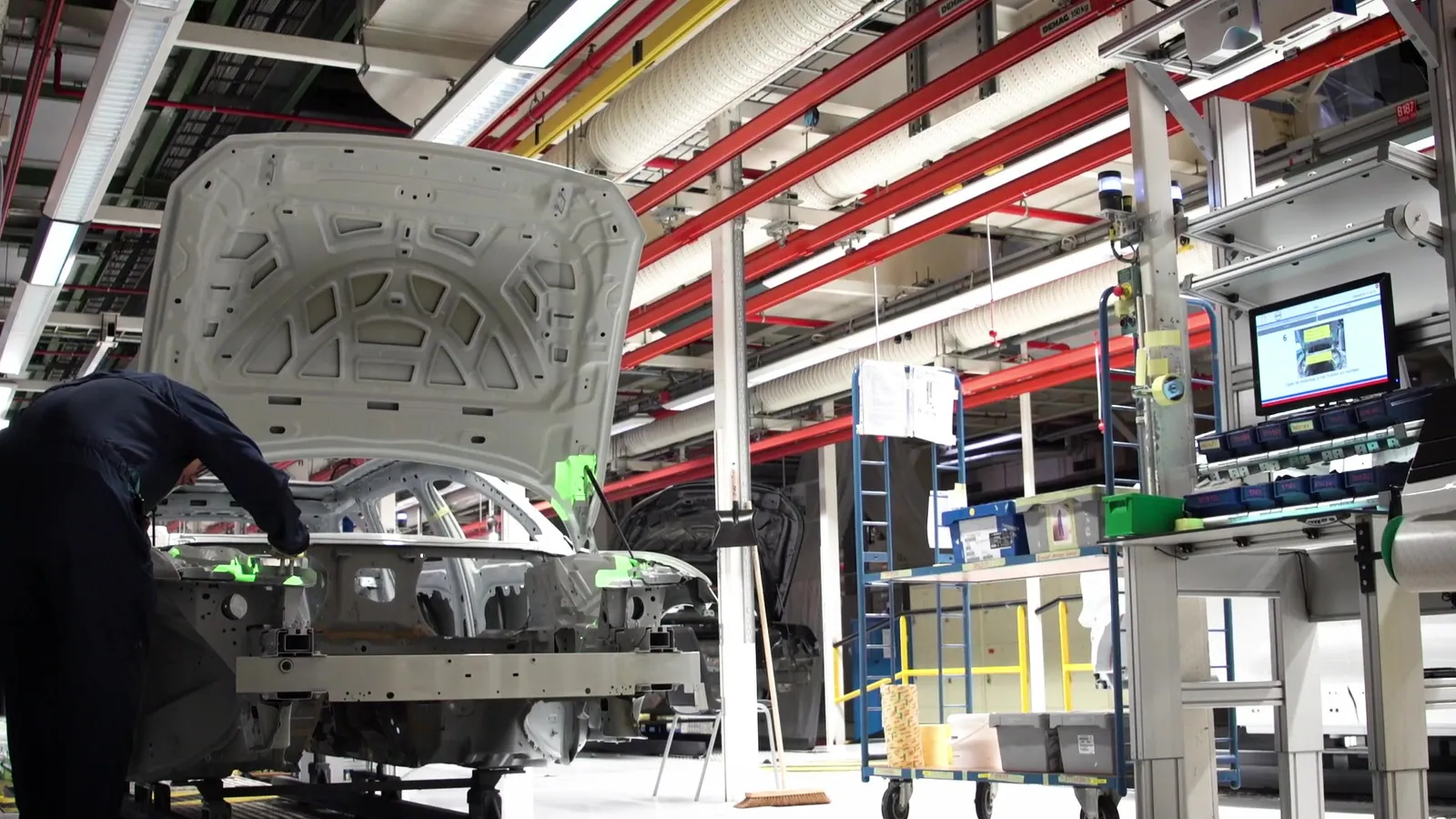 Customer story · Automotive Volvo Cars: 60 components placed right before the line moves. Read the story
 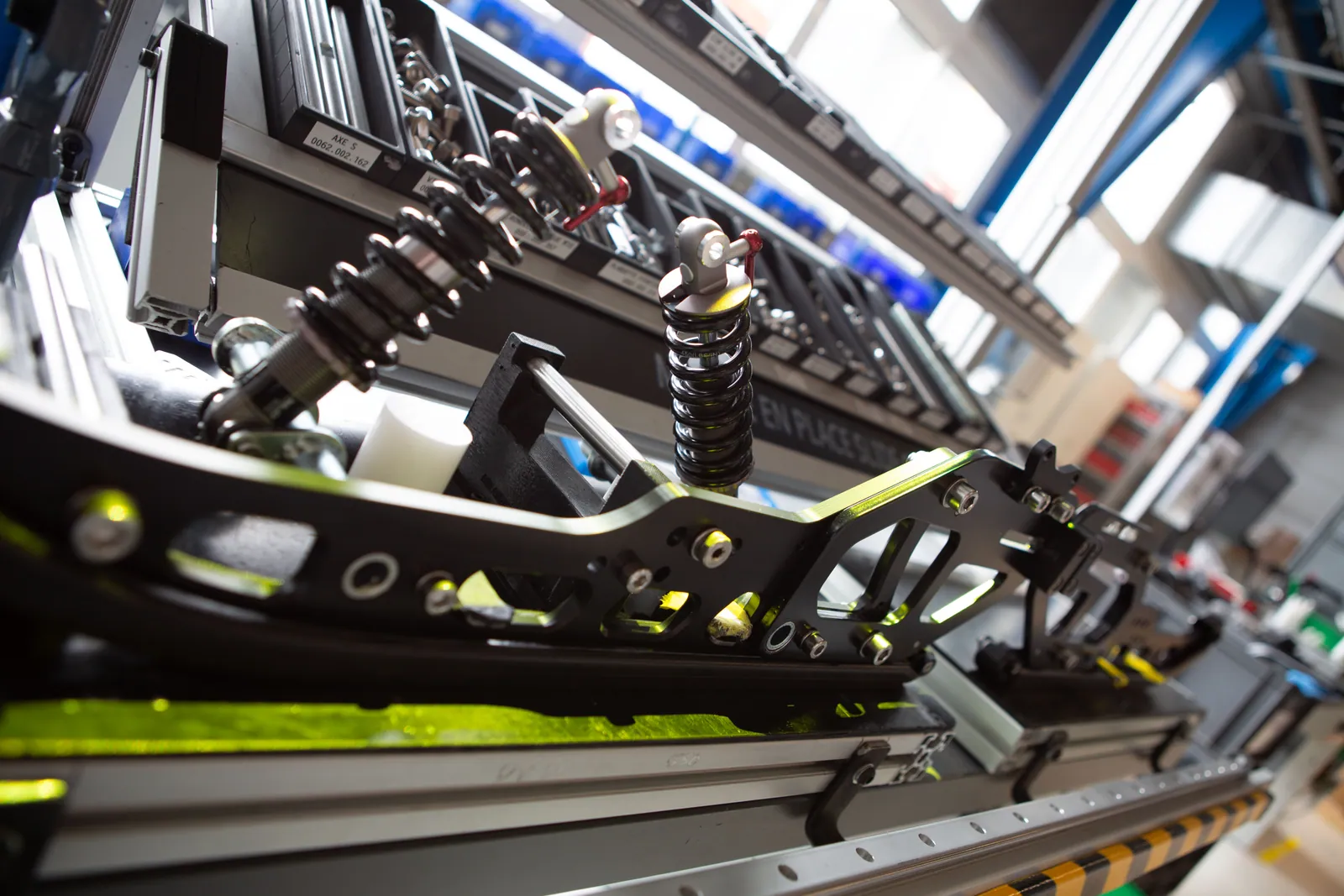 Customer story · Automotive Bosch Marignier: four modular workstations, one guided standard. Read the story
  Customer story · Automotive Webasto: high-mix roof assembly with no missed priming step. Read the story
  Customer story · Automotive Benteler: the right pole position for every variant, without paper drawings. Read the story Customer story · Automotive WCA-Alro: market-specific bumper variants without drilling errors. Read the story
 Where automotive plants use Arkite
Sequenced picking and kitting
Projection or DMX light guidance with 3D validation of every pick.
Tightening
Sequence and torque control for safety-critical joints, with values logged per unit.
Assembly
Variant-specific guidance for module and component assembly stations.
Cabling and wiring
Guided routing and connection of harnesses and cables per variant.
Questions from automotive teams
How does Arkite know which variant to build?
The variant comes from the MES, from a PLC signal, from a barcode scan or from a manual selection on the operator screen. Arkite then runs only the steps that apply to that variant. There is no practical limit on the number of variants in a project.
Does Arkite replace our MES or tightening controller?
No. Arkite connects to the MES for orders and variants, and to smart tool controllers through Open Protocol, Ethernet or Modbus. It adds the operator layer between those systems and the manual station.
Can we start with a single station?
Yes. Most projects start with a pilot workstation. Projects are stored centrally on the Arkite server, so a proven job can then be deployed to identical stations, lines and plants.
Discuss your automotive line
Bring a station with variant or torque issues. We will show how Arkite would guide, validate and record it.