
Build a work instruction once. Keep it right on every workstation.
Products change, variants multiply and paper instructions fall behind. Arkite gives process engineers one no-code environment to author, validate and deploy guided jobs, and to change them centrally.
Last updated
What process engineers tell us.
-
Our work instructions are outdated the moment the product changes.
Document maintenance
-
Every new variant means another document to create and maintain.
Variant complexity
-
I write the procedure, but I cannot see if it is followed on the floor.
Process compliance
-
Translating instructions for every language on the line takes days.
Multilingual workforce
From procedure to validated job, without code.
-
 Arkite Platform 01The challenge
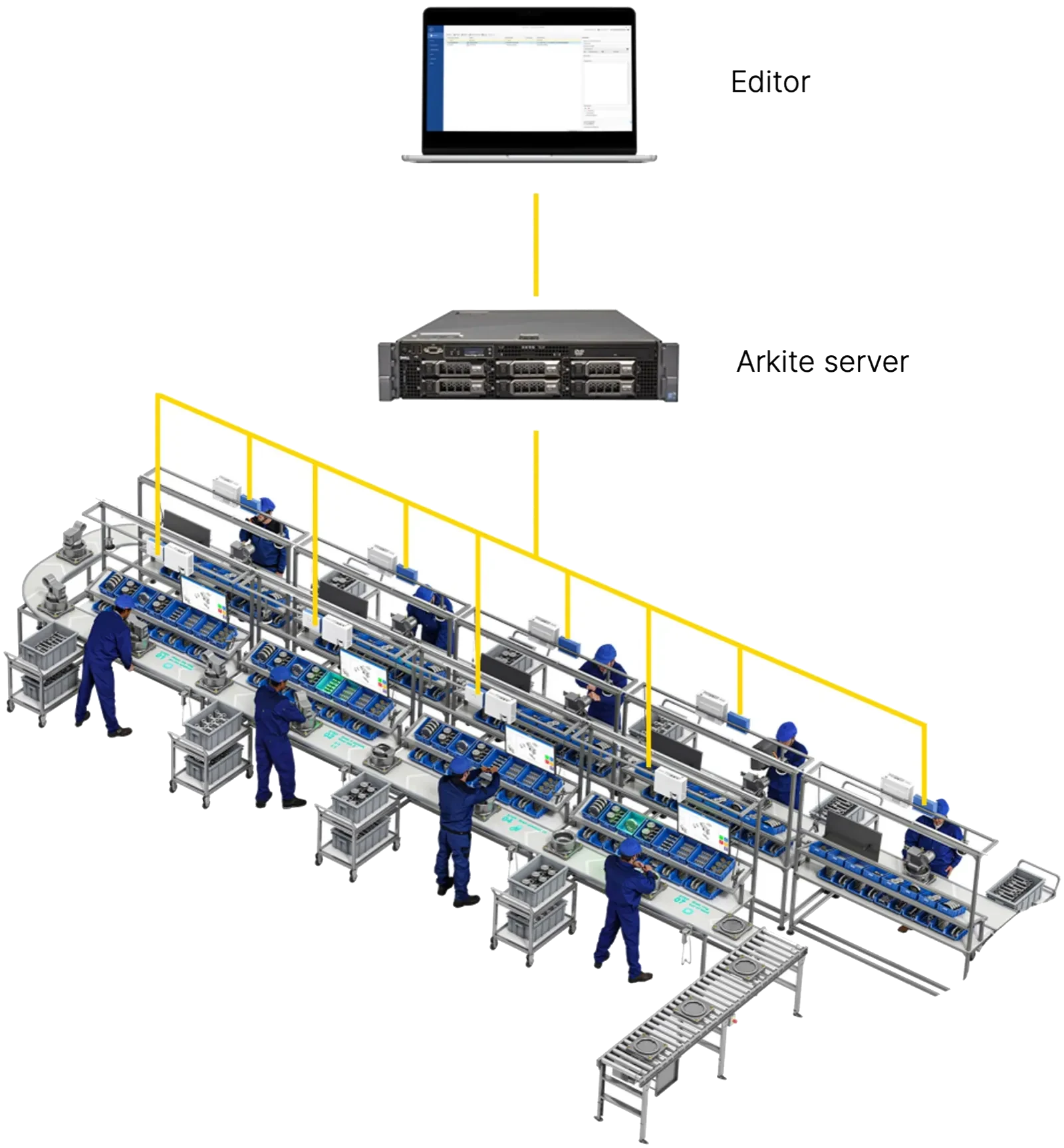
Instructions live in documents spread across stations, and every engineering change means walking the line.
How Arkite solves itAuthor once, publish everywhere
Jobs are built in the no-code editor on any connected PC and stored on the central Arkite server. Draft, Review and Production states control what reaches the line, and a release is available on every workstation that needs it.
- One central source for every instruction
- Changes live on all affected stations
- Approval workflow before release
-
 Arkite Platform 02The challenge
Each variant becomes a copy of a document, and copies drift apart.
How Arkite solves itVariants as options, not copies
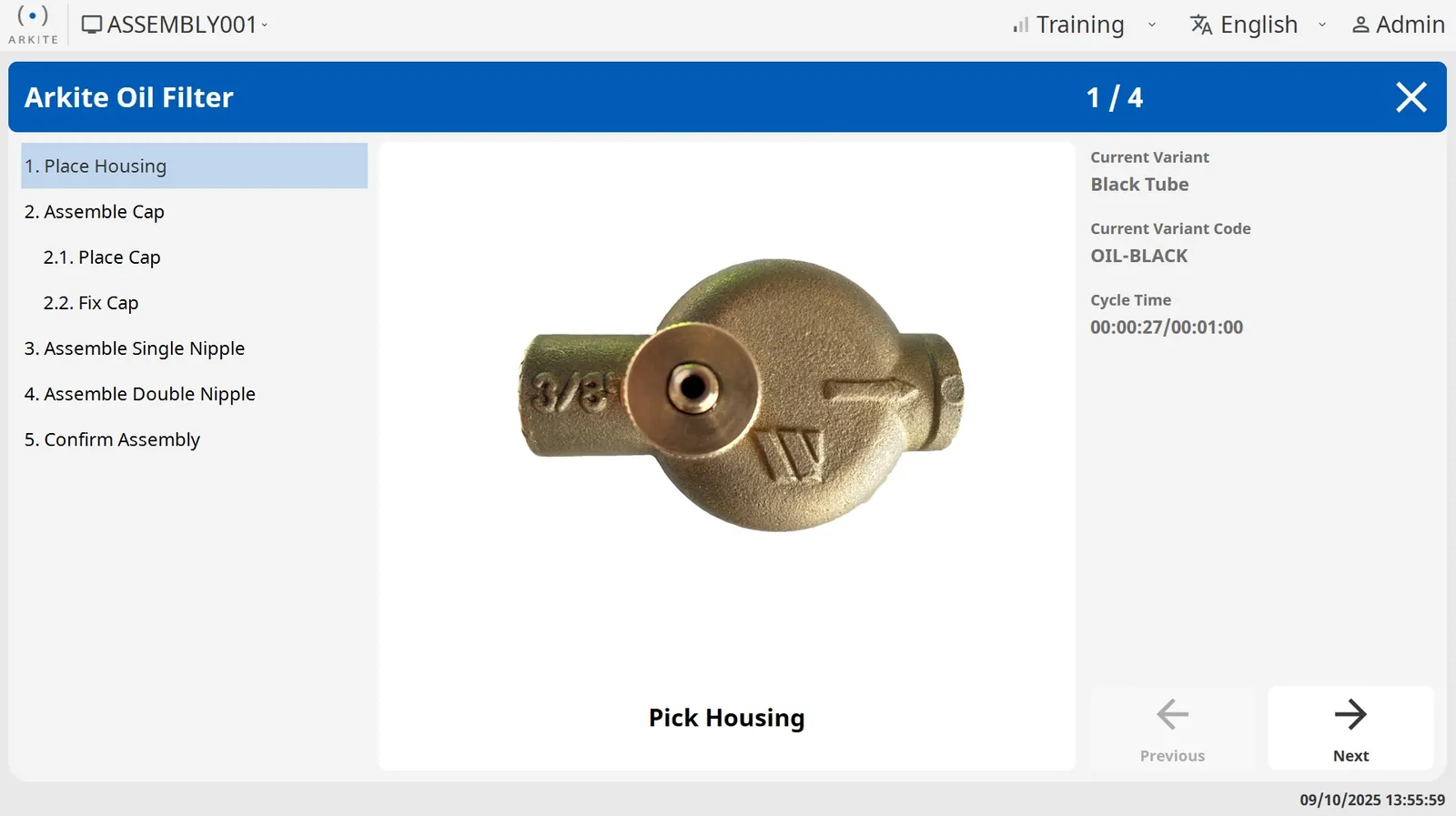
Job options such as color, size or optional parts combine into job variants. Shared steps are defined once, and reusable tasks apply a change everywhere they are used. Variants import from and export to CSV.
- Shared steps maintained once
- Reusable tasks across jobs
- No practical limit on variants per project
-
 Arkite VALIDATE 03The challenge
You cannot see whether the procedure you wrote is actually followed.
How Arkite solves itTeach the sensor what correct looks like
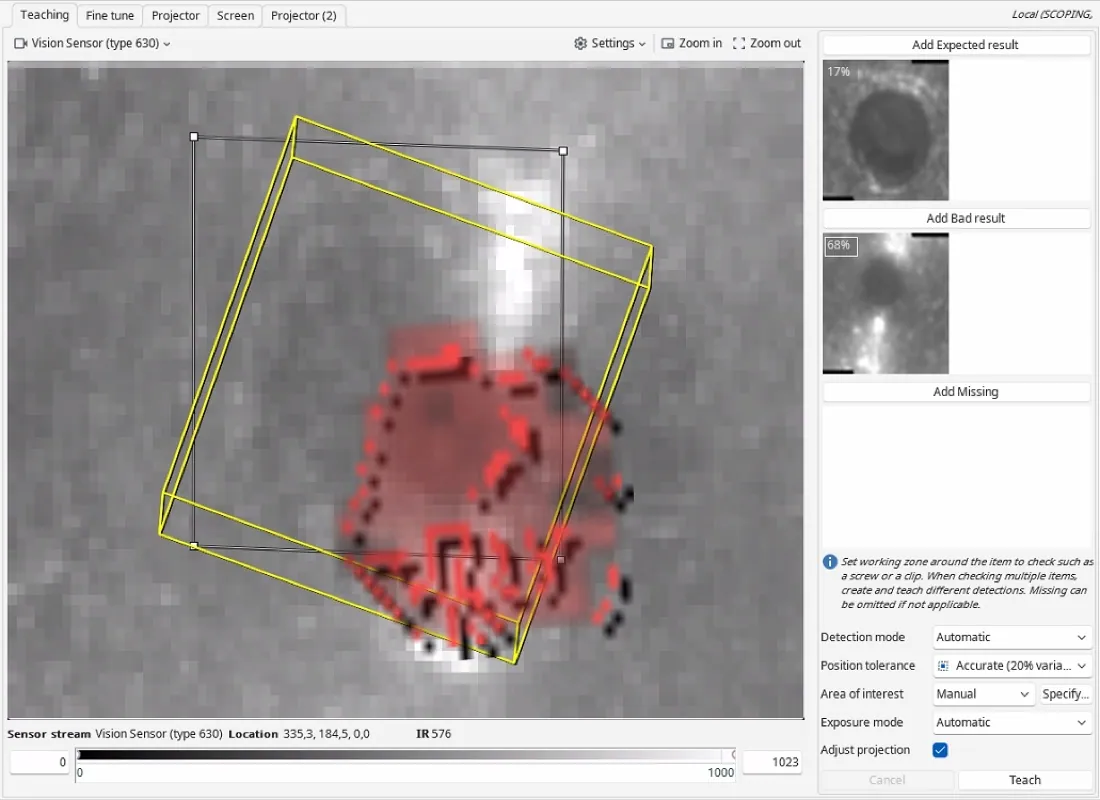
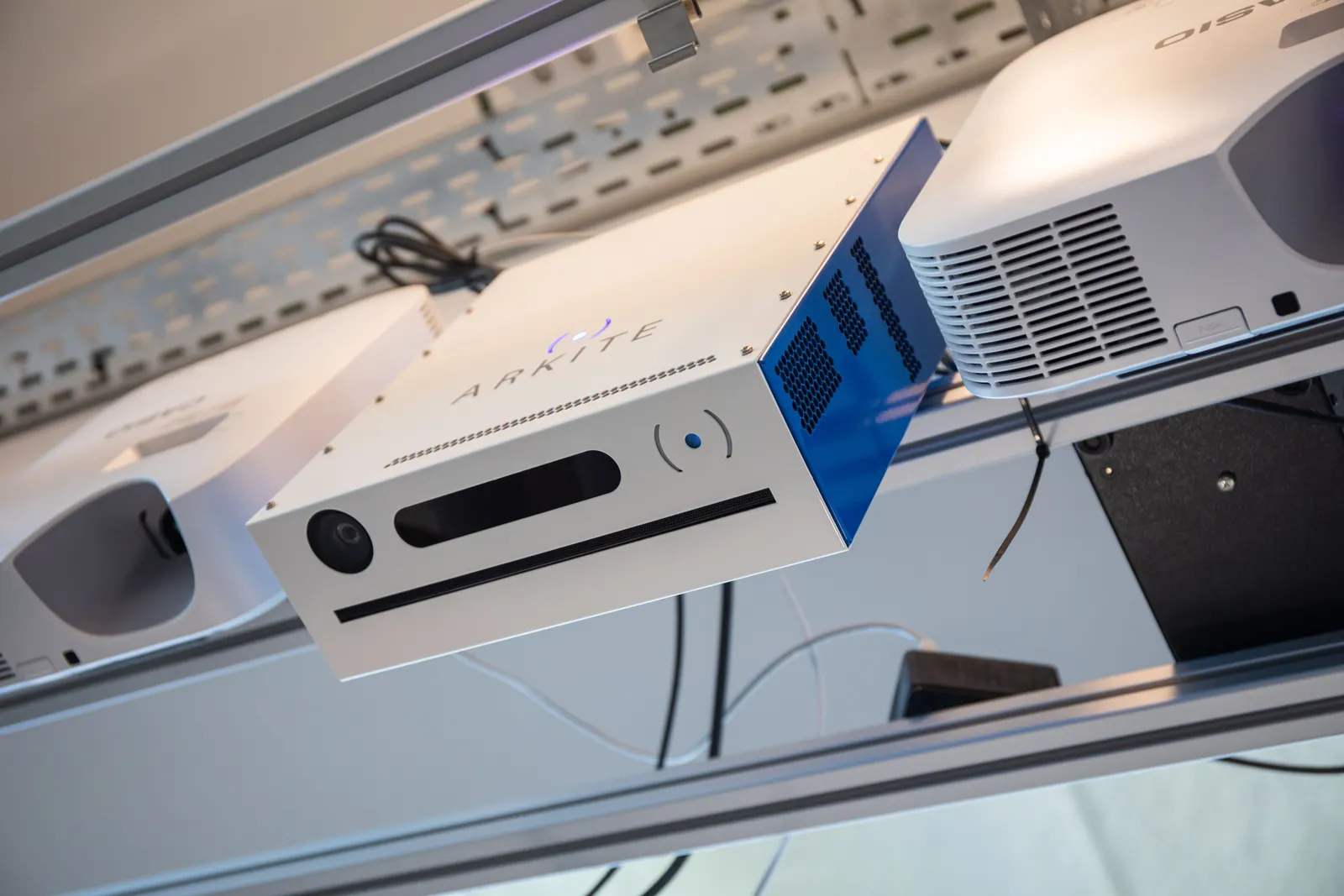
Teach detections for parts, containers, tools and activities, and add quality checks for presence, orientation and position. The workstation then validates the procedure you defined, step by step.
- Detections taught, not programmed
- Smart tools enabled at the right step
- Step and error data show where to improve
-
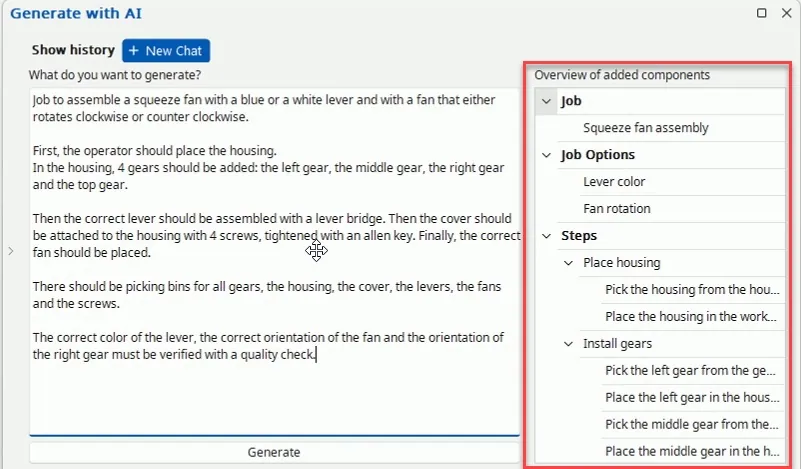 Arkite AI 04The challenge
Creating a new job and translating it takes more time than the change itself.
How Arkite solves itA first draft from a written description
Since software version 2026.2, Arkite AI generates the job, options, materials, detections and steps from a written description, and translates all texts. The engineer reviews and finalizes in the editor. The integration is optional and disabled by default.
- Faster first version of a new job
- Translation per field or per project
- You stay in control of every step
Less document work, more process improvement.
- Down
Time to create a job
A first draft from text, refined in the no-code editor.
- Down
Document maintenance
Shared steps and reusable tasks instead of copies.
- Down
Instruction errors
One released version on every station.
- Up
Process compliance
Every step validated against what you defined.
- Up
Insight per step
Durations and errors show which step to improve.
- Up
Language coverage
Instructions in every language your operators need.
The size of each effect depends on your process. It is measured on your own pilot workstation.
From procedure to production job.
- 01
Define the job
An assembly, a kitting task or an inspection. Jobs can be created in Arkite or pushed from the MES through the API.
- 02
Teach the detections
Mark picking bins, parts, tools and virtual buttons on the sensor image. A projection with the best fitting shape and a text instruction are generated automatically.
- 03
Build the steps
Structure numbered steps and sub-assemblies, and add text, images, video and icons. Photos and videos can be sent from an Android phone with the Arkite Companion app.
- 04
Add logic
Conditions, loops, variants, variables and communication with external systems such as smart tools, PLCs and MES.
- 05
Test and release
Run the job from an editor, move it through Draft, Review and Production, and publish it to the target workstations.
Questions from engineers
How long does it take to learn the software?
Process engineers typically build and publish projects independently after approximately two days of training. Arkite Academy adds online modules on setup, software essentials and connectivity.
What does AI job generation produce?
Based on a written description of the assembly, the software generates the job, job options, materials, detections and job steps. The engineer then reviews and finalizes the result. The integration uses OpenAI or Anthropic with your own key, is optional and is disabled by default.
Do AI detections need an internet connection?
No. The AI detection algorithms for the Vision sensor are included in the VISION license and run locally on the workstation. They give more robust results and better stability when the sensor shifts slightly. Teaching works as before: a reference image and an expected result.
Can AI translate our projects?
Yes. With the optional AI integration, all instructions and texts are translated automatically from the default language: per field, for all empty fields or for the entire project at once.
Can a job be reused on another workstation?
Yes. When the same project is opened on another workstation, the software offers to copy the data from the original one. A fine-tuning calibration aligns the projector and sensors on the new station.
See the authoring environment on your own product.
Bring a current work instruction and we walk through how it becomes a validated Arkite job.