
The released process, executed and recorded for every device.
Manual assembly of medical devices must follow the validated process every time, with a record for each unit. Arkite controls which instruction version is released, guides and validates each step, and records how every device was built.
Last updated
What we hear from medical device manufacturers.
-
Every instruction change needs review and approval before it reaches the line.
Change control
-
Paper travelers are filled in after the fact, and the record is incomplete.
Records per unit
-
A missing or misplaced small component is invisible in the finished device.
Small, critical components
-
Only authorized people may change instructions, and operators must use the released version.
Controlled access
What Arkite does for medical device manufacturers.
-
 Arkite Platform 01The challenge
Instruction updates must be reviewed and approved, and older versions must remain retrievable.
How Arkite solves itChange control built in
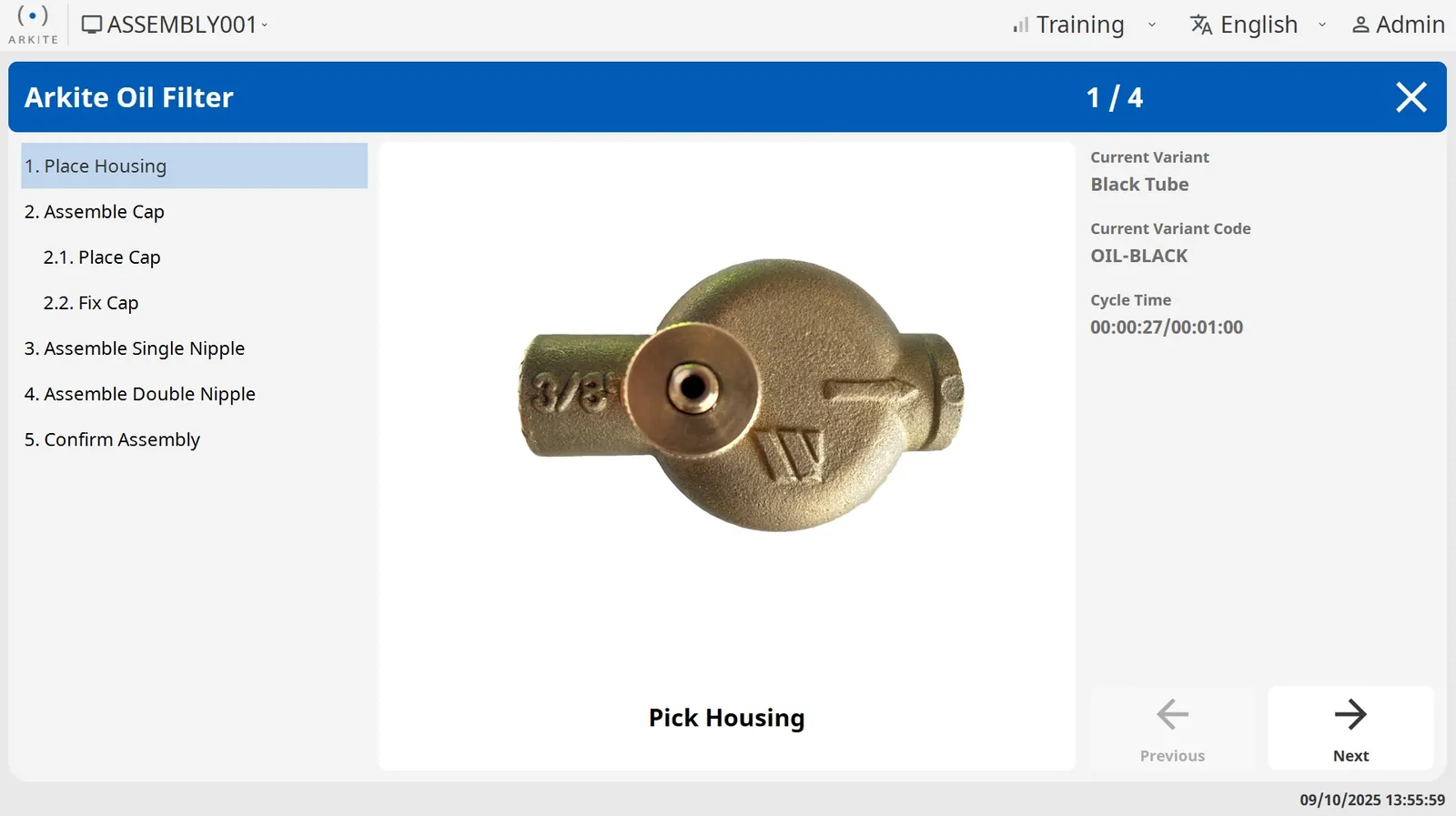
Jobs move through Draft, Review and Production with a full version history. With the optional approval workflow, only users with the Approver role release to Production. Operators have read-only access to released jobs.
- Reviewed and approved releases
- Every version retrievable
- Operators work from the released version only
-
 Arkite VALIDATE 02The challenge
It is hard to show that the validated procedure was followed step by step.
How Arkite solves itThe validated procedure, followed step by step
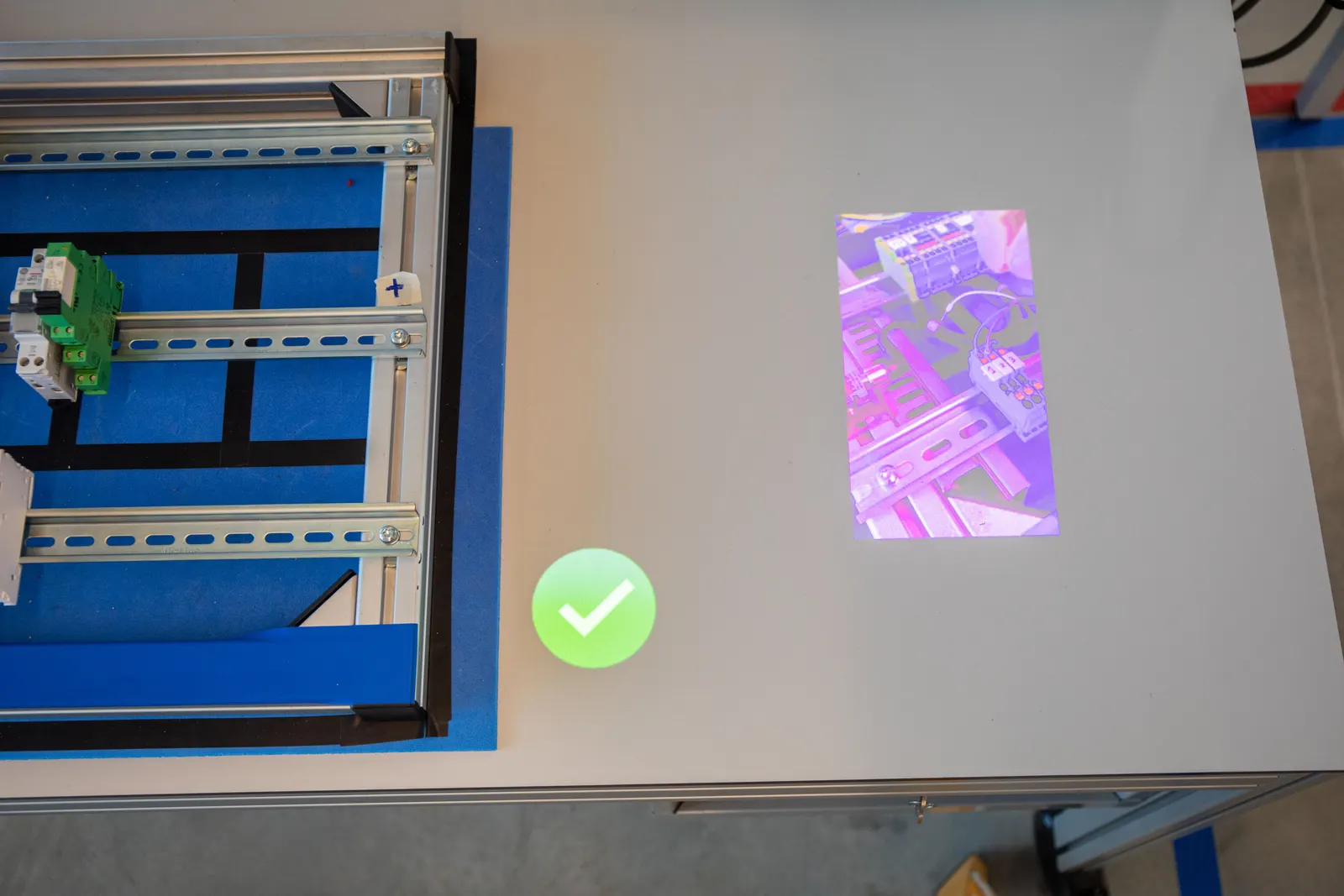
Projected instructions guide each step, and the 3D sensor validates each action and its sequence in real time. The workflow continues only after a correct action.
- The same method for every unit
- Deviations stopped at the step
- Each validation result recorded
-
 Arkite VISION 03The challenge
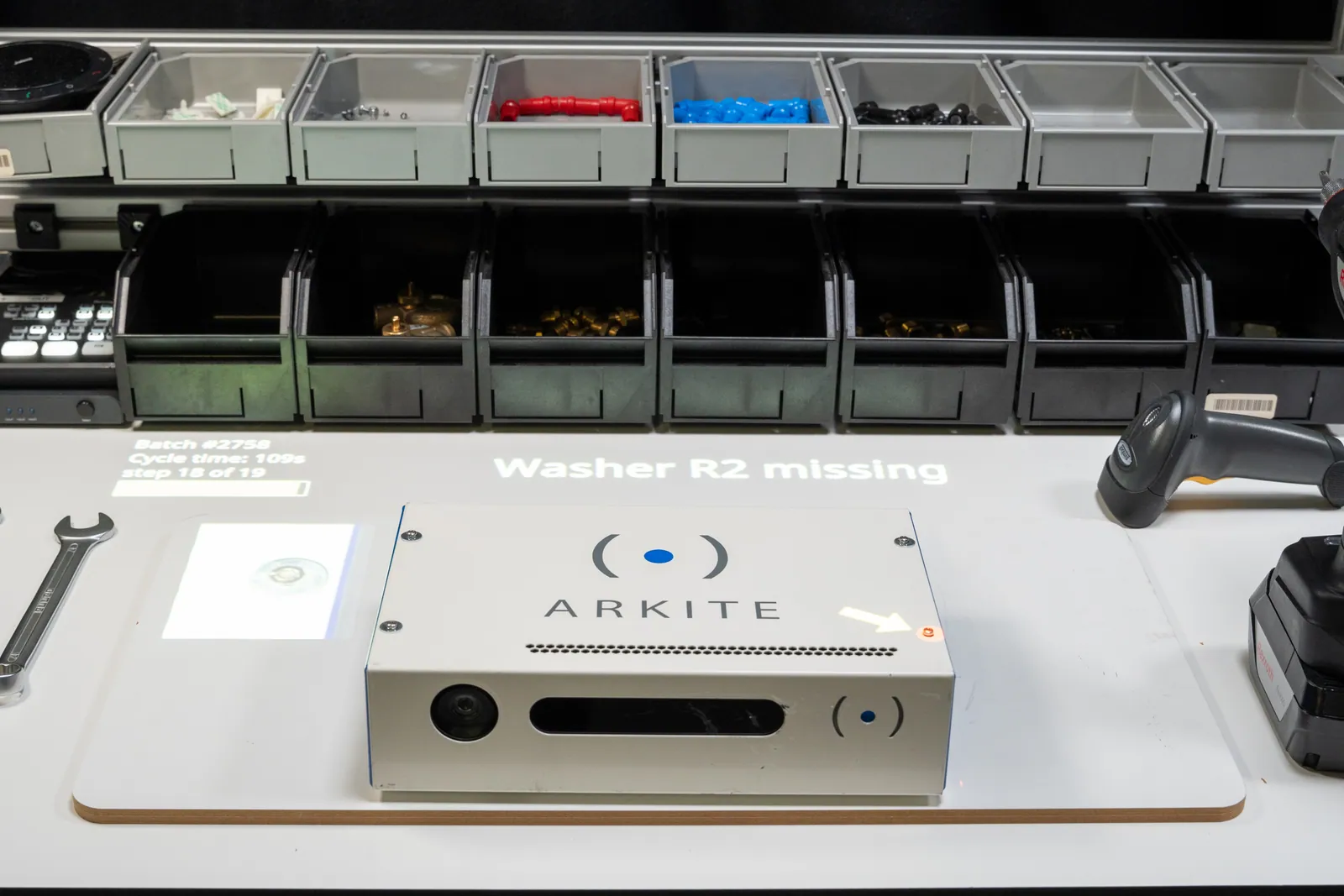
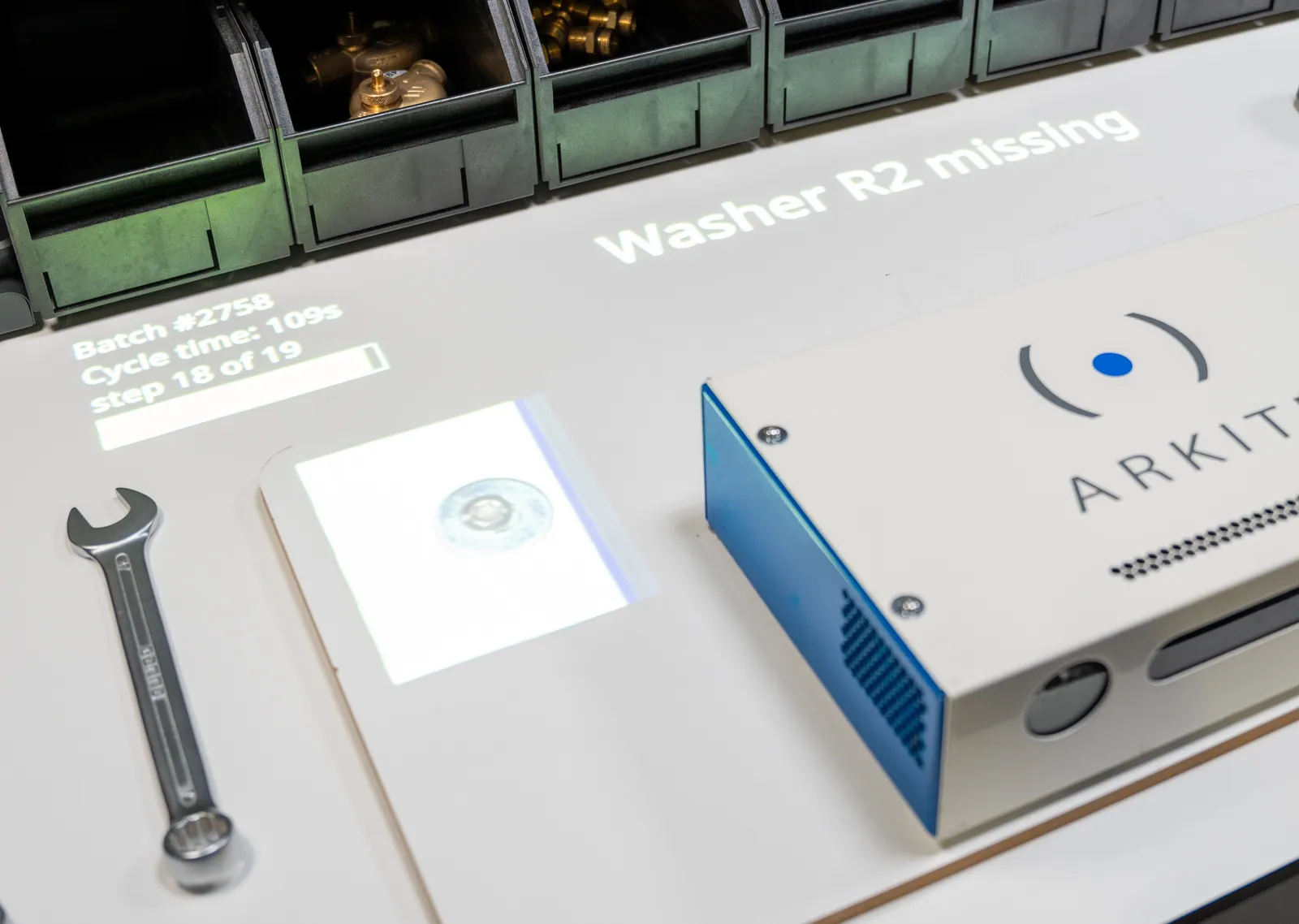
Small components can be missing or misplaced without being visible in the finished device.
How Arkite solves itSmall components checked in-process
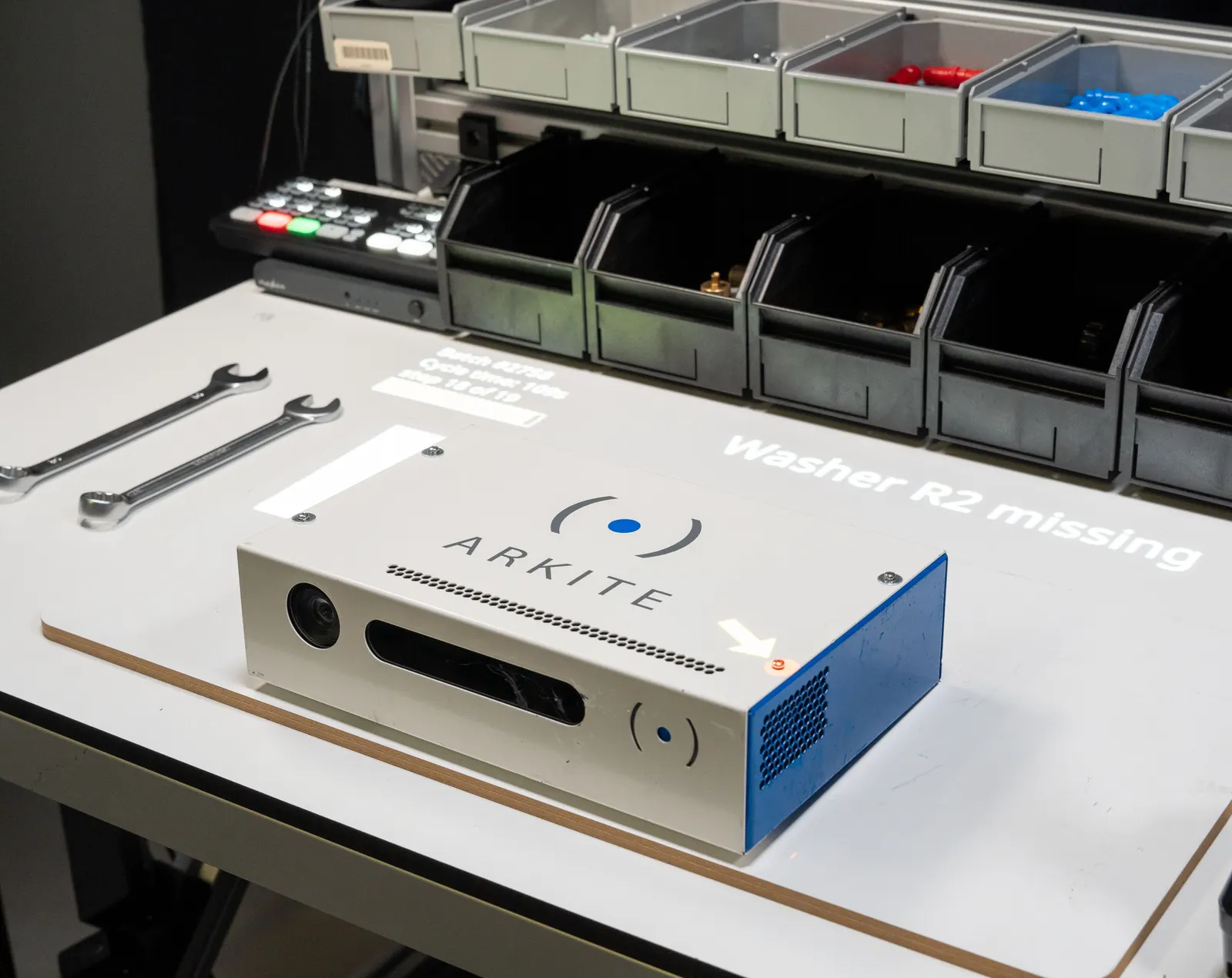
The vision sensor inspects presence, position and orientation of components from 0.5 cm during assembly, before the next step starts. AI detections run locally.
- Hidden defects found before closing
- Multiple result classes with rework paths
- No internet connection required
-
 Arkite DATA 04The challenge
Manual records are incomplete, and the device history record needs reliable data per unit.
How Arkite solves itRecords that feed your device history record
Per serial number Arkite stores every step, validation result, operator, time and torque value. Records go to your own database, and to the MES, ERP or quality system through a database connection, CSV export or the Arkite API.
- Complete per-unit records
- Data in your own database
- Append-only audit log of every change
The topics that matter, and what Arkite does for each.
Arkite does not certify processes or products. It provides the controls and records your quality system relies on.
- ISO 13485
Controlled instructions, approval, audit logging and per-unit records support the evidence your quality system requires.
- Device history record DHR and eDHR
Per-unit data passed to the system that holds the device history record, through a database connection, CSV or the Arkite API.
- Change control
Draft, Review and Production states, an optional approval workflow and a full version history.
- Audit trail
Every change to projects and settings recorded with user, timestamp, previous and new value, append-only and hash-chained.
- 21 CFR Part 11
Audit trail, controlled release and user access support electronic records requirements. Validation in your environment remains your responsibility.
- Controlled access
Users and roles from Active Directory. Operators have read-only access, and sensor data access is limited to dedicated roles.
Customer stories from regulated and quality-critical processes.
Related customer stories

Where medical device manufacturers use Arkite
Questions from medical device teams
Is Arkite certified for medical device production?
Arkite does not claim a regulatory certification for its software. It provides controls such as approval workflows, audit logging, role-based access and per-unit traceability that support your quality system. Validation of Arkite within your process follows your own procedures.
Can Arkite be integrated into a production line in a controlled environment?
Arkite has been applied in a cleanroom application in the healthcare sector, integrated into the production line through PLC communication. The suitability of the workstation hardware for a specific environment is assessed per project.
Where is our production data stored?
On your own Arkite server, on premises or in your private cloud. The data remains fully owned by you. Optional AI features only send text to an external provider when you enable them with your own key.
Discuss your medical device process
Show us a manual process that must be controlled and recorded. We will walk through how Arkite would guide, validate and document it.