
Steps and validations
Every executed step with its validation result and timestamp.
Automated stations log their process data by default. Manual workstations usually do not. Arkite records every operator action, validation and torque value against the production order and serial number.
Last updated
When a quality issue reaches a customer, the first questions are always the same: which units are affected, who built them, which steps were performed and with which settings. For manual assembly, the honest answer is often a signed checklist or no record at all.
Without unit-level data, a containment action has to cover a wide production window. Root cause analysis relies on interviews instead of evidence, and compliance audits in regulated industries take more effort than they should.
Arkite records each validated step as the operator performs it. No separate checklist and no extra data entry. In case of a quality issue, you retrieve a complete log of every step performed on a specific unit, including the operator, the time, the result of each validation and the torque values applied.
Serial numbers and orders can be scanned with a barcode scanner, or read directly from the image by the Arkite RGB or Vision sensor, including barcodes, QR codes, Data Matrix codes and text.
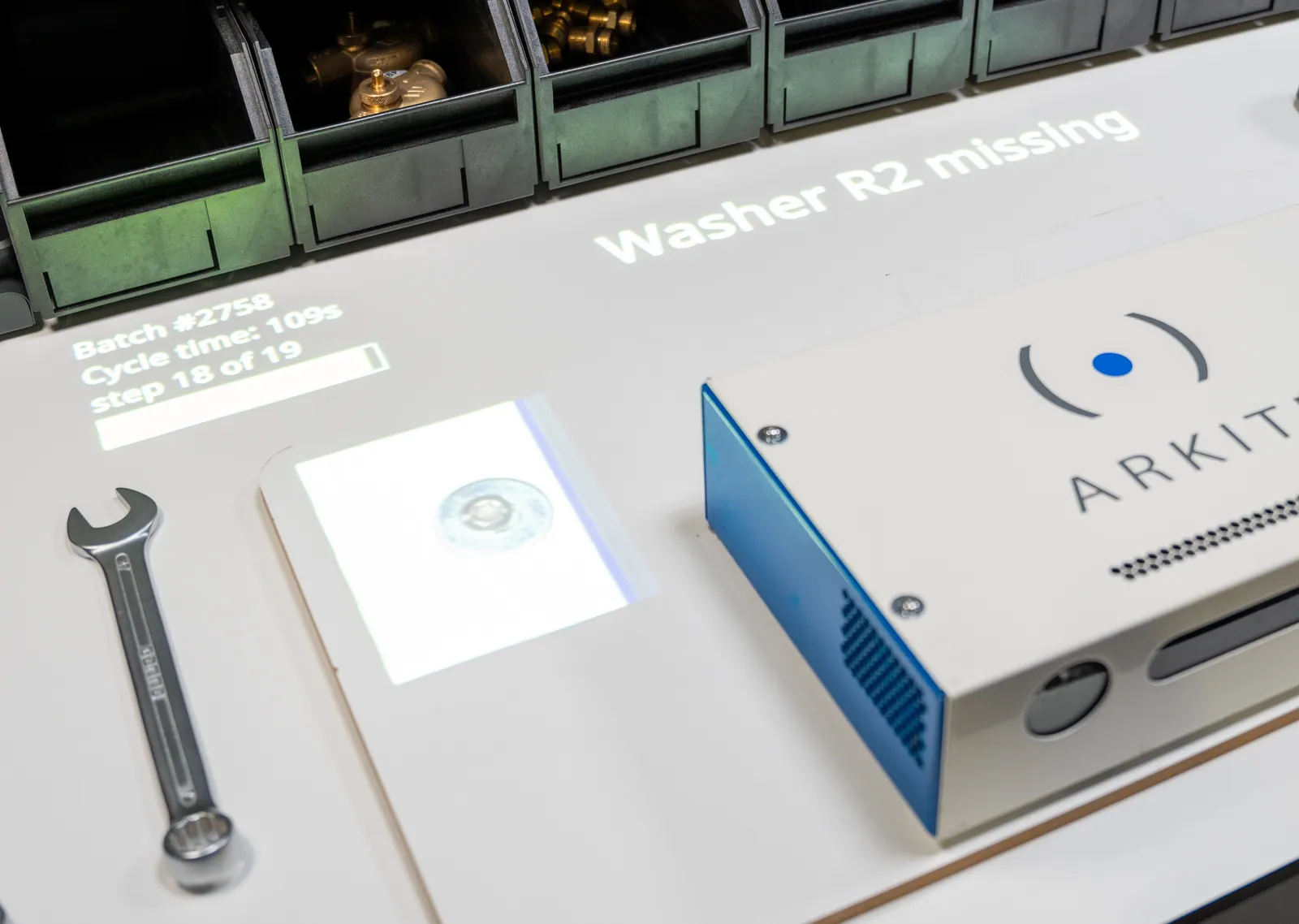
Every executed step with its validation result and timestamp.
Results from smart tools connected over Open Protocol, Ethernet or Modbus, logged per assembled unit.
What went wrong, when, at which step and on which workstation.
The logged-in operator and experience level, when individual traceability is required.
Presence, orientation and position checks, with optional product snapshots.
The number of items picked per step.
Storage
 MySQL
MySQL MS SQL Server
 Oracle
 MariaDB
Systems
Each step performed, the result of each validation, errors, torque values from smart tools, picked quantities, the operator and the time, all linked to a production order and serial number.
Yes. With an integrated smart tool, Arkite can select the program, block the next step until the specified torque is confirmed and log the torque value per assembled unit.
Yes. Version management with approval, per-unit traceability, audit logging and role-based access support compliance in sectors such as aerospace, defense, automotive and medical devices.
All project and production data is stored on your own Arkite server, on-premises or in your private cloud, and remains fully owned by you.
We show how Arkite links every manual step to your orders and serial numbers.
Arkite
Operator guidance platform
Welcome to Arkite.
Looking to guide, validate and inspect manual work? Choose where you would like to start.
Prefer email? info@arkite.comPrivacy
Your privacy choices
We use analytics to understand how the website is used and, with your permission, to measure the results of our campaigns on LinkedIn and Google. Measurement runs through our own server; no tracking scripts from other companies are loaded in your browser. See our privacy notice.